How to Automate Competitor Research with AI (And Cut 4 Hours Down to 15 Minutes)
How to Automate Competitor Research with AI (And Cut 4 Hours Down to 15 Minutes)
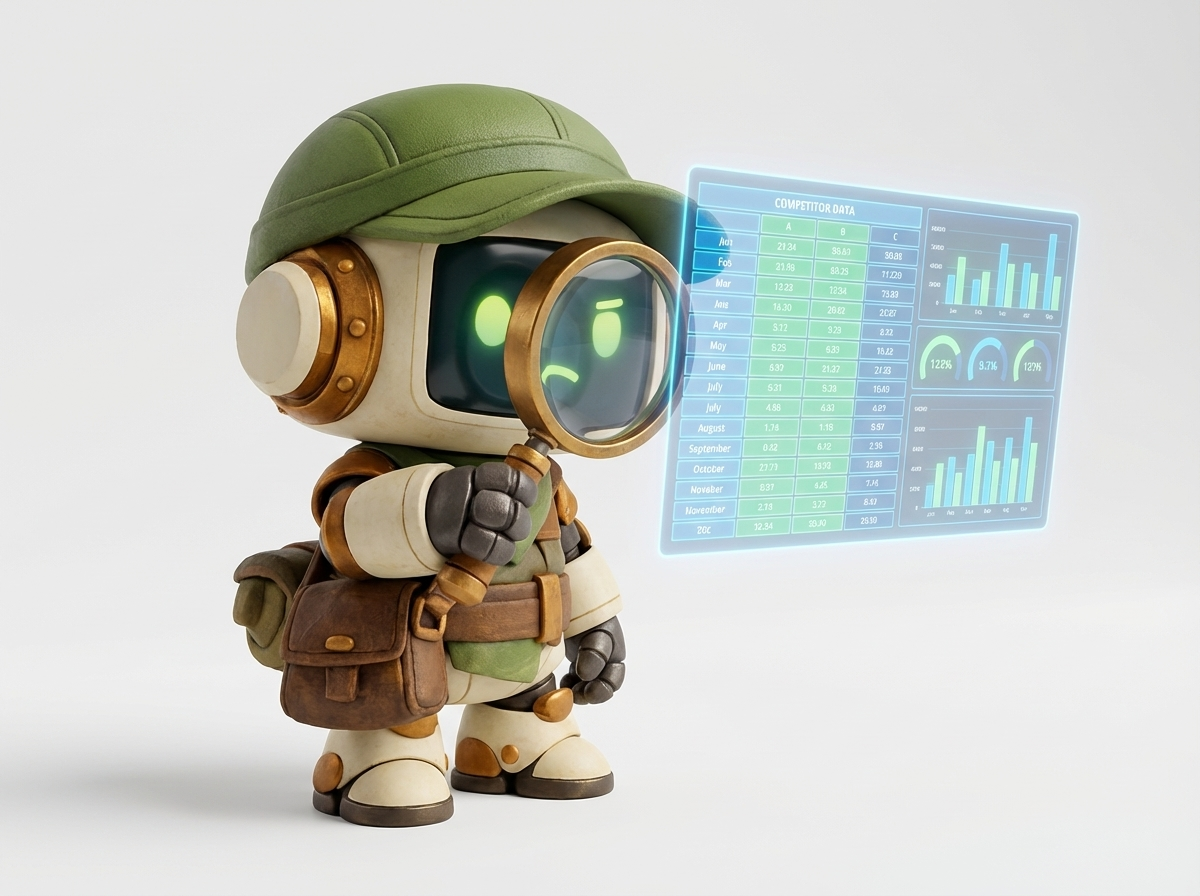
If you've ever spent a full afternoon building a competitor matrix in a spreadsheet, you already know the pain.
You open ten browser tabs. You copy pricing from one site. You screenshot a feature list from another. You try to remember what you read on the third tab while you're writing notes in the fifth. Three hours later, you have a messy Google Sheet and a headache, and the data is already going stale.
Learning how to automate competitor research with AI changes all of that. Instead of grinding through manual lookups, you describe the research task in plain English and get back a structured competitor matrix, a feature comparison, and a pricing analysis. Fifteen minutes. $1.23.
This guide walks you through exactly how to do it.
Why Competitor Research Is So Painful to Do Manually
Competitive intelligence is one of the highest-value activities a founder, product manager, or marketer can do. It shapes your positioning, your pricing, your roadmap, and your messaging.
But the process is brutal.
Here's what manual competitor research actually looks like in practice:
- Tab overload. You're juggling 10–20 browser tabs at once, constantly switching context.
- Inconsistent data. Each competitor formats their pricing page differently. Some hide features. Some use vague language.
- Time drain. A thorough analysis of five competitors takes 3–4 hours minimum, and that's before you format it into something shareable.
- Staleness. By the time you finish, some of the data has already changed.
- Cognitive fatigue. Synthesizing all of that information into a clear recommendation requires serious mental energy.
Most teams either skip competitor research entirely, do it poorly, or do it so infrequently that the insights are outdated before they're used.
Why Traditional Tools Don't Solve the Problem
You might be thinking: "What about tools like SEMrush, SimilarWeb, or Crayon?"
Those tools are useful, but they solve a narrow slice of the problem. They're great for traffic data, keyword gaps, and ad spend estimates. But they don't help you:
- Compare feature sets across five competitors
- Summarize pricing tiers in plain language
- Identify positioning gaps in the market
- Build a shareable matrix your team can act on
And they're expensive. SEMrush starts at $139/month. Crayon is enterprise-priced. You're paying for a platform whether you use it or not.
The other common approach is hiring a research assistant or intern to do the legwork. That works, but it takes days, not minutes, and the output quality depends heavily on the person doing it.
AI research automation is a completely different approach. You're not subscribing to a data platform. You're not waiting on a human. You're describing a task and getting structured output back in minutes.
How AI Changes the Equation for Competitive Intelligence
Modern AI agents don't just answer questions. They can browse the web, extract structured data, synthesize findings across multiple sources, and produce formatted deliverables, all from a single plain-English prompt.
This is what makes competitive intelligence AI so powerful for research tasks.
Instead of:
- Searching for each competitor manually
- Reading through their website
- Taking notes in a doc
- Reformatting notes into a spreadsheet
- Writing a summary
You do this:
- Describe the research task in one paragraph
- Wait 15 minutes
- Review the structured output
The AI handles the browsing, the extraction, the synthesis, and the formatting. You handle the judgment calls and the decisions.
Real Proof: What This Looks Like in Practice
Before we get into the step-by-step workflow, let's look at what's actually possible with a real example.
SAM Session: Research 5 Competitors in the AI Agent Space
Task: Research 5 competitors in the AI agent space Duration: 15 minutes Cost: $1.23 Artifacts delivered:
- Competitor matrix (all 5 companies, side by side)
- Feature comparison table
- Pricing analysis with tier breakdowns
Manual time equivalent: 4 hours
That's not a rounding error. Four hours of work, the kind that requires sustained focus, multiple browser tabs, and careful note-taking, compressed into 15 minutes for $1.23.
The artifacts came back structured and ready to share. No reformatting. No cleanup. Just a matrix you can drop into a deck or a Notion doc and start making decisions from.
This is what automated market research looks like when it's working correctly.
Step-by-Step: How to Automate Competitor Research with AI
Here's the exact workflow to follow. This works whether you're researching direct competitors, evaluating vendors, or doing market analysis.
Step 1: Define the Scope Before You Write the Prompt
The quality of your output depends almost entirely on the quality of your input. Before you open SAM or any AI tool, spend five minutes getting clear on three things:
Who are you researching?
- Do you have a list of specific competitors, or do you want the AI to identify them?
- How many? (5 is a good starting point; 10–20 is manageable for product comparisons)
What do you need to know?
- Pricing and tiers
- Features and capabilities
- Positioning and messaging
- Target customer
- Funding and company size
- Strengths and weaknesses
What format do you need the output in?
- Spreadsheet/matrix
- Narrative summary
- Pros/cons list
- Recommendation memo
Getting clear on these three things before you write your prompt will dramatically improve the output you get back.
Step 2: Write a Specific, Structured Prompt
Vague prompts produce vague output. Specific prompts produce specific output.
Here's the difference:
Vague prompt:
"Research my competitors in the project management space."
Specific prompt:
"Research the top 5 competitors in the B2B project management software space for teams of 10–50 people. For each competitor, capture: pricing tiers and monthly cost, key features, target customer segment, positioning/tagline, and one notable strength and one notable weakness. Deliver a comparison matrix spreadsheet and a 1-page summary with a recommendation on where there's a positioning gap."
The specific prompt tells the AI:
- Exactly how many competitors to research
- The specific market segment to focus on
- The exact data points to capture
- The format of the deliverables
This is the single most important step in the workflow. Invest time here.
Step 3: Let SAM Build the Plan First
One of the things that makes SAM different from a raw ChatGPT prompt is that it shows you the plan before it executes, and before you pay anything.
When you submit your research task, SAM breaks it down into a structured execution plan:
- Which sources it will check
- What data it will extract
- How it will structure the output
- What artifacts it will deliver
You review the plan. If it looks right, you approve it and it runs. If something's off (maybe it's researching the wrong market segment, or you want a different output format) you adjust before any work is done.
This is important for research tasks because scope creep is real. A competitor research task can balloon from "5 competitors" to "15 competitors with full case studies" if you're not careful. Reviewing the plan keeps the scope tight and the cost predictable.
Step 4: Review the Artifacts and Spot-Check the Data
When the session completes, you'll have structured artifacts ready to use. For a typical competitor research task, that means:
- A competitor matrix with all companies in rows and data points in columns
- A feature comparison table showing who has what
- A pricing analysis with tier breakdowns and cost comparisons
- A summary with key findings and (optionally) a recommendation
Your job at this stage is not to redo the research. It's to spot-check for accuracy and add your own judgment.
Specifically:
- Verify 2–3 pricing data points against the actual websites
- Check that the competitors listed are actually the right ones for your market
- Add any context the AI couldn't know (e.g., a competitor you know is struggling internally, or a new entrant that just launched)
This spot-check takes 10–15 minutes. You're not redoing the work; you're applying the judgment that only you have.
Step 5: Add Your Strategic Layer
The AI gives you the facts. You provide the strategy.
Once you have a clean competitor matrix, the real work begins: interpreting what it means for your business.
Ask yourself:
- Where is there a gap in the market that nobody is filling?
- Which competitor is most vulnerable, and why?
- What features are table stakes vs. differentiators?
- Where are you over-investing in something that doesn't matter to customers?
- What's the pricing white space: too expensive, too cheap, or just right?
This is the part that can't be automated. The AI gives you the raw material. You do the thinking.
A good competitor matrix turns this strategic analysis from a 2-hour exercise into a 20-minute one, because you're not spending cognitive energy on data gathering. You're spending it on insight generation.
Step 6: Format for Your Audience
Who needs to see this research?
If it's just you, the raw matrix is probably fine. But if you're sharing with a team, a board, or a client, you'll want to package it.
Common formats:
- Slide deck: Pull the matrix into a slide, add your strategic commentary, present at the next team meeting
- Notion doc: Embed the spreadsheet, add your analysis as a narrative
- Email summary: Write a 3-paragraph brief with the top 3 findings and a recommendation
- Product brief: Use the feature comparison to inform a roadmap decision
SAM delivers artifacts in formats that are easy to drop into any of these. The spreadsheet exports cleanly. The summary is already written in plain language.
Step 7: Set a Cadence and Repeat
Competitor research isn't a one-time event. Markets move. Competitors pivot. New entrants appear.
The good news: when research takes 15 minutes and costs $1.23, you can do it regularly.
Consider setting a cadence:
- Monthly: Quick pulse check on your top 3 competitors (pricing changes, new features, messaging shifts)
- Quarterly: Full competitive review with updated matrix
- Event-triggered: Run a fresh analysis whenever a competitor makes a major announcement, raises funding, or launches a new product
With manual research, this cadence is aspirational. With AI research automation, it's actually achievable.
More Real Examples: AI Research Automation Across Use Cases
Competitor research is just one application. The same workflow applies to any structured research task.
SAM Session: Compare Top 20 Standing Desks Under $600
Task: Compare top 20 standing desks under $600 Duration: 7 minutes Cost: $0.52 Artifacts delivered:
- Full comparison spreadsheet (20 desks, multiple attributes)
- Top 5 summary with pros and cons for each
Manual time equivalent: 3 hours
This is the same pattern: a structured research task that would take hours manually, compressed into minutes. The output is a clean spreadsheet you can filter and sort, plus a narrative summary that saves you from reading 20 product pages.
SAM Session: Compare Health Insurance Plans for a Family of 3
Task: Compare health insurance plans for a family of 3, HSA-eligible Duration: 7 minutes Cost: $0.68 Artifacts delivered:
- Plan comparison spreadsheet
- Recommendation summary
Manual time equivalent: 3 hours
Health insurance comparison is notoriously painful. The plans are complex, the terminology is confusing, and the stakes are high. Seven minutes and $0.68 to get a structured comparison and a recommendation is a meaningful improvement over spending a Sunday afternoon on healthcare.gov.
The Cost Math: Why This Changes the ROI of Research
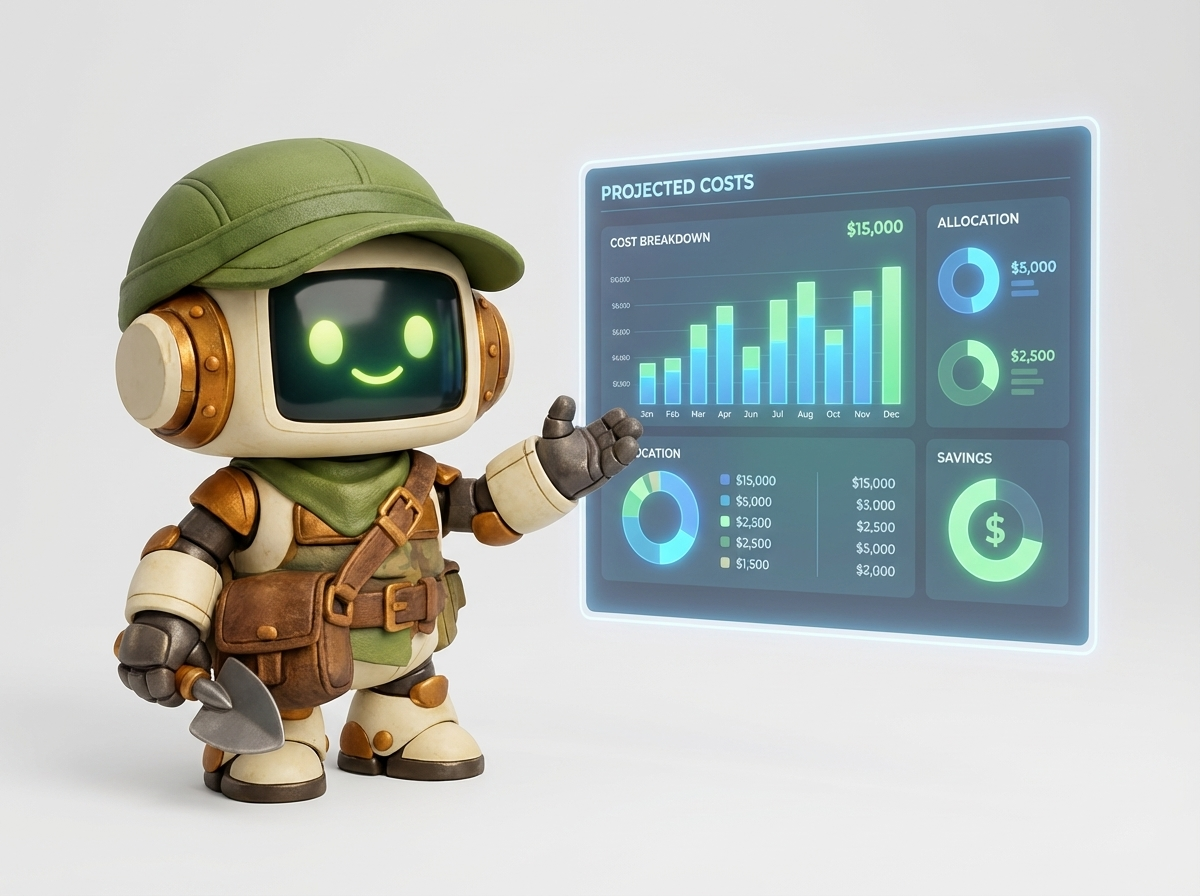
Let's do the math explicitly, because it's striking.
Manual competitor research:
- Time: 4 hours
- Fully-loaded cost (at $75/hour for a skilled employee or contractor): $300
- Output quality: Variable, depends on the researcher
- Repeatability: Low (nobody wants to do this every month)
AI-automated competitor research with SAM:
- Time: 15 minutes of your time (plus 15 minutes of AI run time)
- Cost: $1.23
- Output quality: Consistent, structured, shareable
- Repeatability: High (you can run it monthly without dreading it)
The ROI isn't 10x. It's closer to 200x on cost alone, and that's before you factor in the speed advantage and the consistency of output.
Even if you're skeptical and you assume the AI output requires 30 minutes of cleanup and verification, you're still looking at 45 minutes total vs. 4 hours. That's a 5x time savings at a fraction of the cost.
Common Mistakes to Avoid
Even with a good workflow, there are a few ways to get subpar results. Here's what to watch out for.
Mistake 1: Being Too Vague in Your Prompt
"Research my competitors" will produce generic output. "Research the top 5 B2B SaaS competitors in the HR onboarding space for companies with 50–500 employees, capturing pricing, key features, and positioning" will produce something you can actually use.
Specificity is the single biggest lever you have on output quality.
Mistake 2: Treating AI Output as Ground Truth
AI can make mistakes. Pricing pages change. Features get deprecated. New products launch.
Always spot-check the data points that matter most before making a major decision. The AI is doing the heavy lifting on data gathering; you're doing the quality control.
This is especially important for pricing data, which changes frequently and is sometimes intentionally obscured by vendors.
Mistake 3: Skipping the Strategic Layer
A competitor matrix is not a strategy. It's raw material for strategy.
The teams that get the most value from AI research automation are the ones who use the time they save on data gathering to do more thinking. Don't just file the matrix away. Use it to drive a conversation, make a decision, or update your positioning.
Mistake 4: Researching Too Many Competitors at Once
More is not always better. Researching 20 competitors produces a lot of data, but most of it won't be actionable.
Start with your top 5 direct competitors. Go deep on those. Then do a lighter-touch scan of 5–10 adjacent players. This gives you a clear picture of the competitive core without drowning in noise.
Mistake 5: Running Research Once and Never Updating It
A competitor matrix from 6 months ago is often worse than no matrix at all, because it gives you false confidence in outdated information.
Build the cadence into your workflow. Set a calendar reminder. Make it a monthly habit. When research takes 15 minutes and costs $1.23, there's no excuse for letting it go stale.
Advanced Techniques: Getting More from Competitive Intelligence AI
Once you've got the basic workflow down, here are a few ways to go deeper.
Technique 1: Layer in Customer Voice
Competitor research tells you what companies offer. Customer reviews tell you what customers actually experience.
Add a prompt layer that pulls from G2, Capterra, or Trustpilot reviews for each competitor. Ask the AI to summarize the top 3 complaints and top 3 praises for each. This gives you a much richer picture of where competitors are vulnerable, and where they're genuinely strong.
Technique 2: Track Messaging Changes Over Time
Positioning shifts are a leading indicator of strategic change. If a competitor suddenly starts emphasizing "enterprise" in their messaging, they're probably moving upmarket. If they start talking about "simplicity" and "ease of use," they might be responding to churn.
Run a quarterly messaging analysis alongside your feature/pricing research. Look for shifts in language, emphasis, and target customer. This is one of the most underrated forms of competitive intelligence.
Technique 3: Research the Research
Before you dive into a specific competitive space, ask the AI to map it out first.
Prompt: "What are the main categories of competitors in the [market] space? Who are the top players in each category? What are the key dimensions that differentiate them?"
This gives you a map before you start the detailed research, and it often surfaces competitors you didn't know existed.
Technique 4: Use Research to Inform Specific Decisions
The most valuable competitor research is tied to a specific decision.
Instead of "research my competitors," try:
- "Research competitors to help me decide whether to add a free tier to our pricing"
- "Research competitors to identify what features I should prioritize in Q3"
- "Research competitors to understand how to position against [Competitor X] in sales calls"
Decision-focused research produces more actionable output because the AI knows what you're trying to decide, and can frame its findings accordingly.
Who Benefits Most from Automated Market Research
This workflow is valuable across a wide range of roles and use cases.
Founders and CEOs use it to stay current on the competitive picture without spending hours on research they don't have time for.
Product managers use it to inform roadmap decisions, identify feature gaps, and understand how competitors are positioning new releases.
Marketers use it to sharpen positioning, identify messaging opportunities, and understand how to differentiate in a crowded market.
Sales teams use it to prepare for competitive deals, understanding exactly how to position against a specific competitor in a live sales conversation.
Investors and analysts use it to quickly get up to speed on a market before a meeting or a deal.
Consultants and agencies use it to deliver faster, more thorough competitive analysis to clients, at a fraction of the cost of manual research.
The common thread: anyone who needs structured competitive intelligence on a regular basis, without the time and cost of doing it manually.
SAM vs. Doing It Yourself: An Honest Comparison
Let's be direct about what AI research automation is and isn't.
What it is:
- A fast, cheap way to gather and structure publicly available information
- A consistent, repeatable process that produces shareable artifacts
- A way to free up your time for higher-value thinking
What it isn't:
- A replacement for your judgment and strategic thinking
- A source of proprietary or non-public information
- Perfect. It requires spot-checking and verification
The best way to think about it: SAM is a research assistant that works at machine speed and charges by the task. It does the legwork. You do the thinking.
For most research tasks, that's exactly the division of labor you want.
Troubleshooting: When Results Aren't What You Expected
Even with a good workflow, you'll occasionally get output that misses the mark. Here's how to diagnose and fix common issues.
Problem: The competitors identified aren't the right ones
Fix: Be more specific about the market segment, company size, or geography in your prompt. "B2B SaaS for mid-market companies in the US" will produce different results than "software companies."
Problem: The pricing data seems off
Fix: Pricing is the most volatile data point in any competitive analysis. Always verify pricing directly on competitor websites before using it in a decision. Use the AI output as a starting point, not a final answer.
Problem: The output is too shallow
Fix: Ask for more depth on specific dimensions. "Go deeper on the feature comparison for [Competitor X] and [Competitor Y]" is a valid follow-up prompt. You can also run a second, more focused session on a specific competitor.
Problem: The matrix is missing a competitor I know exists
Fix: Add them manually, or run a follow-up prompt: "Add [Competitor X] to the matrix using the same data points."
Problem: The summary doesn't include a recommendation
Fix: Ask for one explicitly in your prompt. "Include a recommendation on where there's a positioning gap" or "Identify which competitor is most vulnerable and why" will produce more opinionated output.
The Bigger Picture: Building a Research-Driven Culture
The real opportunity here isn't just saving time on a single research task. It's changing how your team relates to information.
When research is expensive and time-consuming, teams make decisions with incomplete information. They rely on gut feel, anecdote, and outdated data. They skip the competitive analysis because there's no time.
When research is fast and cheap, the calculus changes. You can afford to check your assumptions. You can run a quick competitive scan before a product decision. You can update your positioning based on fresh data instead of a matrix from last year.
AI research automation makes it economically rational to be well-informed. That's a real change, and it compounds over time.
Teams that build this into their workflow make better decisions, faster. They spot opportunities earlier. They avoid competitive blind spots. They walk into sales calls better prepared — especially when they automate their follow-up emails with the same approach.
The 15-minute, $1.23 competitor analysis isn't just a productivity hack. It's a foundation for a more research-driven way of working.
Conclusion: Start Automating Your Competitor Research Today
Manual competitor research is slow, expensive, and inconsistent. It takes 4 hours to produce a matrix that's already going stale by the time you finish it.
Learning how to automate competitor research with AI changes the math entirely. Fifteen minutes. $1.23. A structured competitor matrix, a feature comparison, and a pricing analysis, ready to share.
The workflow is straightforward:
- Define your scope
- Write a specific prompt
- Review the plan before it runs
- Spot-check the output
- Add your strategic layer
- Share and act on the findings
- Repeat on a regular cadence
The tools are available now. The cost is negligible. The time savings are real.
The only thing standing between you and better competitive intelligence is the 30 seconds it takes to describe the task.
More AI Automation Guides
- How to Clean Messy Data with AI — 3,000 rows cleaned in 12 minutes for $0.89
- How to Automate Email Writing with AI — 40 personalized emails in 11 minutes for $1.34
- 12 AI Tasks for Everyday Work — The highest-value tasks to automate first
Try SAM free, no credit card required. Describe a task at sam.build and see the plan before you pay.