How to Automate Email Writing with AI
How to Automate Email Writing with AI

You have a spreadsheet with 40 leads from last week's conference. Each one needs a personalized follow-up. Not a mail merge — a real email that references your actual conversation, their company's situation, and why you should keep talking.
You know what happens next. You open the first row. You write a solid email. Eight minutes. The second one takes seven. By the tenth, you're recycling the same three opening lines. By the twentieth, you catch yourself writing "excited to explore synergies" and realize you've become the person whose emails you delete.
Here's the thing: writing good emails isn't hard. Writing 40 good emails in a row is nearly impossible. Your brain runs out of fresh phrasing long before your spreadsheet runs out of rows.
That's why people are starting to automate email writing with AI — not to replace their voice, but to keep it consistent across every single send. And the tools have gotten good enough that the output doesn't read like a robot wrote it.
This guide walks through exactly how to do it with SAM, an AI task execution platform, including a real example with actual costs and timing.
Why Email Writing Is the Perfect Automation Target
Not every task should be automated. But email writing hits a sweet spot that makes it nearly ideal.
It's high volume. Most professionals send dozens of similar-but-different emails per week. Sales follow-ups, partner outreach, client updates, vendor inquiries. Each one needs to feel personal, but the structure is 80% the same.
It's mentally draining. Writing one good email is easy. Writing the same type of email 30 times is exhausting. Your quality degrades. Your personalization gets lazy. You start taking shortcuts that recipients can feel.
It's low risk. Unlike code or financial analysis, email drafts are easy to review before sending. You can scan 40 drafts in 10 minutes and catch anything that feels off. The cost of a minor mistake is low, and you have a human review step built in.
It's time-expensive relative to value. Three hours writing follow-up emails is three hours not spent closing deals, building product, or doing anything that moves the needle. The emails matter, but the time spent crafting them is disproportionate to the output.
If you've ever sat down to "bang out a few emails" and looked up two hours later with a sore neck and a half-finished list, you already know this.
The Manual Way: What Email Writing Actually Looks Like at Scale
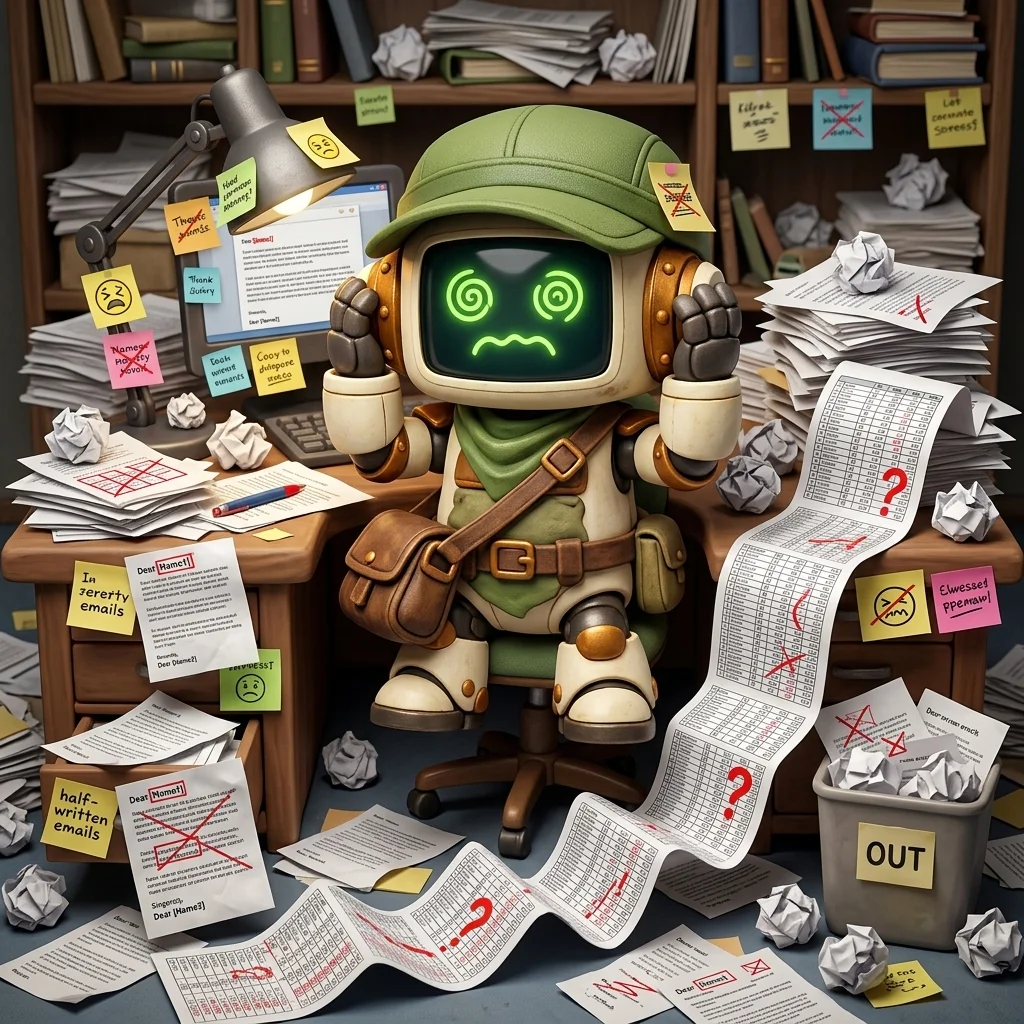
Let's be specific about the pain, because it's easy to underestimate.
Say you have 40 contacts to email after a trade show. You have a spreadsheet with their name, title, company, and a notes column with what you discussed.
The first five emails are great. You're fresh. You reference specific conversations. You craft each opening line. You proofread. You feel good about them.
Emails 6 through 15 get repetitive. You start noticing you've used "great chatting with you about" four times. You try to vary it. "Enjoyed our conversation about." "Was thinking about what you mentioned regarding." You're now spending mental energy on word choice instead of substance.
Emails 16 through 25 get sloppy. You copy an email, change the name, swap out one detail, and move on. You tell yourself this is fine. Then you notice you left "Jennifer" in an email to David. You go back and check the last five you sent. One of them has the wrong company name in the second paragraph.
Emails 26 through 40 are a grind. You take a break. Come back the next morning. Your momentum is gone. You rush through the remaining ones because you have other things to do. The quality is noticeably lower than the first batch.
Total time: 3 to 5 hours across two sessions. Output: 40 emails of wildly inconsistent quality, at least two of which contain errors you won't notice until someone replies confused.
This is the reality that anyone who does outreach at scale already knows. The task isn't hard. It's just tedious. And tedious work at volume is where humans consistently underperform.
How to Automate Email Writing with SAM
Here's how this works step by step. No code. No API keys. No prompt engineering.
Step 1: Prepare Your Input
Start with a spreadsheet. CSV works best. Your columns should include:
- Name — first and last
- Title — their role
- Company — where they work
- Notes — what you discussed, what they're interested in, any context that makes the email personal
The notes column is what separates this from a mail merge. It's where the personalization comes from. Even a few words help: "interested in automation for their ops team" or "mentioned they're switching CRMs this quarter."
You don't need a perfect spreadsheet. SAM handles messy formatting, inconsistent columns, and missing fields. But the more context in your notes, the better the emails.
Step 2: Describe the Task
Open SAM and describe what you need in plain language. Here's a prompt that works:
"Write personalized follow-up emails for each contact in this spreadsheet. Reference their company and our conversation notes. Tone: professional but warm, like a real person wrote it. Each email should be 3-4 paragraphs. Include a clear next step or question at the end."
Upload the CSV.
That's it. No template syntax. No merge fields. No configuration. Just describe what you want and let SAM figure out the execution plan.
Step 3: Review the Plan
SAM generates an execution plan before doing any work. For the email task, the plan typically looks something like:
- Parse the CSV and identify columns
- For each contact, extract name, company, title, and notes
- Generate a personalized email draft referencing the notes
- Apply consistent tone and formatting across all drafts
- Export individual email files with filenames based on contact name
You'll also see the estimated cost. For 40 emails from a well-filled spreadsheet, expect somewhere between $1.00 and $2.00. The exact cost depends on how long your notes are and how much context SAM needs to process.
If the plan looks right, approve it. If you want changes — different tone, shorter emails, additional instructions — edit the plan or update your prompt before approving.
Step 4: Let It Run
SAM executes the plan. For 40 emails, this typically takes 10 to 20 minutes depending on the complexity of your notes and the level of personalization.
While it runs, you can watch the progress in real time. SAM streams its thinking process so you can see how it's interpreting your notes and crafting each email.
Step 5: Review and Send
When SAM finishes, you get a folder of email drafts — one per contact. Open them, scan through, and tweak anything that needs adjusting.
In practice, most people find they need to edit maybe 10-15% of the emails. A detail that needs updating, a tone adjustment for a specific relationship, an additional sentence for a high-priority contact. The other 85% are ready to copy-paste into your email client.
A Real Example: 25 Sales Follow-Ups
Here's a concrete example from an actual SAM session.
The input: A CSV with 25 leads from a SaaS conference. Columns: name, email, company, role, notes. The notes ranged from detailed ("discussed their migration from Salesforce to HubSpot, interested in automating the data transfer") to minimal ("stopped by booth, asked about pricing").
The prompt: "Write personalized follow-up emails for each contact. Reference our conversation at the conference. Professional but not corporate — like I'm writing to someone I genuinely enjoyed meeting. End each email with a specific question or next step."
The plan: Parse CSV, generate 25 personalized drafts, export as individual text files.
The cost: $1.34 total.
The time: 11 minutes.
The output: 25 email drafts. Here's what stood out:
- Emails with detailed notes were excellent. SAM referenced specific conversation topics naturally. "Your point about the Q3 migration timeline stuck with me" — not something that reads like a template.
- Emails with minimal notes were still solid. SAM used the person's role and company to add relevant context. "As someone leading ops at a Series B company, you're probably feeling the growing pains around data workflows."
- Every email ended with a specific question, not a generic "let's connect." Things like "Would a 15-minute walkthrough of how SAM handles CRM migrations be useful this week?"
- The tone was consistent across all 25. Email 25 read just as naturally as email 1.
I edited 3 of the 25 emails — one where I wanted to add a personal detail I hadn't included in my notes, one where I wanted a warmer tone for someone I knew well, and one where SAM over-referenced a conversation topic.
Total time from spreadsheet to sent: about 25 minutes, including my review and edits. Compared to the 3+ hours this would have taken manually.
What Makes This Different from ChatGPT or Mail Merge
Fair question. There are plenty of ways to get AI to help with email. Here's why this approach works better than the obvious alternatives.
vs. ChatGPT / Claude Chat
You can absolutely paste contact info into ChatGPT and ask it to write emails one at a time. People do this. It works. But it's still a manual loop. You paste, you prompt, you copy, you move to the next one. For 40 contacts, you're still spending an hour managing the process.
SAM handles the entire batch as a single task. You upload the spreadsheet, approve the plan, and walk away. The emails are waiting for you when you get back.
vs. Mail Merge (Mailchimp, HubSpot, etc.)
Mail merge tools are great for newsletters and marketing blasts. They're not great for genuinely personalized emails. You can insert {first_name} and {company}, but you can't insert "reference the conversation we had about their CRM migration." The personalization is limited to whatever columns you have, and the result always feels like a template.
SAM reads your notes column and generates original content based on the context. The output reads like you sat down and wrote each email from scratch.
vs. AI Email Tools (Lavender, Smartwriter, etc.)
These tools are purpose-built for sales email and they're good at what they do. But they're optimized for cold outreach — generating openers, subject lines, and hooks for people you've never met.
SAM is more general. It works for follow-ups, partner outreach, client updates, vendor inquiries, or any other email type. You describe the task in plain language. No templates, no sequences, no platform to learn.
Beyond Sales: Other Email Types That Work
Sales follow-ups are the obvious use case, but email automation with SAM works for any scenario where you're writing similar-but-different emails at volume.
Client updates. You manage 15 clients and need to send each one a monthly status update. Each update needs to reference their specific project, milestones hit, and next steps. SAM can pull from a spreadsheet of project data and write personalized updates for each client.
Vendor inquiries. You're sourcing a new supplier and need to email 20 vendors with specific questions about their capabilities. Each email needs to reference what you know about the vendor and ask targeted questions. One spreadsheet, one prompt, 20 tailored inquiries.
Event invitations. You're hosting a dinner for 30 contacts and want each invitation to feel personal. SAM can reference your relationship with each person, their interests, and why they'd enjoy the event.
Thank-you notes. Post-event, post-interview, post-meeting. The same structure every time, but each one needs a personal touch. This is exactly the kind of task where human energy runs out fast but AI stays consistent.
Internal communications. Need to notify 25 team leads about a policy change, with each email referencing how it specifically affects their department? Upload a spreadsheet with department details and let SAM handle the personalization.
Tips for Better Results
After running this workflow dozens of times, here's what makes the difference between good output and great output.
Invest in the notes column. The quality of SAM's emails is directly proportional to the quality of your notes. "Met at conference" produces a generic email. "Discussed their struggle with duplicate customer data, uses Salesforce, team of 12, interested in automation" produces a specific, compelling one.
Specify the tone explicitly. "Professional but warm" is different from "casual and direct" is different from "formal and concise." SAM follows your tone instructions, so be specific about how you'd actually write to these people.
Include a constraint on length. "3-4 paragraphs" prevents SAM from writing five-paragraph essays or single-paragraph blurbs. Match the length to what you'd actually send.
Ask for a specific CTA. "End with a question" or "end with a suggested next step" gives each email a purpose beyond just touching base. The questions SAM generates are usually more targeted than what you'd write at email number 30.
Review strategically. You don't need to read every word of every email. Scan the first and last paragraphs of each — the opening line and the CTA are where personalization matters most. Spot-check a few middle paragraphs. Fix the 10-15% that need tweaking and send the rest.
The Math: Why This Is Worth It
Let's make the ROI concrete.
Manual approach:
- 40 emails x 6 minutes average = 4 hours
- Quality: degrades after email 10-15
- Error rate: at least 1-2 copy-paste mistakes per batch
- Opportunity cost: 4 hours of your time on low-leverage work
SAM approach:
- Setup: 5 minutes (prep spreadsheet, write prompt)
- Execution: 15 minutes (SAM runs autonomously)
- Review: 15 minutes (scan drafts, tweak 10-15%)
- Total: 35 minutes of your time
- Cost: $1-2
You save roughly 3 hours and get more consistent output. If your time is worth more than $0.50/hour — and it is — this pays for itself immediately.
But the real value isn't the time savings on one batch. It's that email outreach stops being a task you dread and postpone. When writing 40 personalized emails takes 35 minutes instead of an afternoon, you actually do it. The leads get followed up. The partners get contacted. The clients get their updates on time.
The best automation isn't the one that saves the most time. It's the one that removes the friction from work that matters.
Getting Started
- Go to sam.build and create a free account.
- Prepare your spreadsheet. CSV with name, company, title, and notes columns. The more context in your notes, the better.
- Describe your task. Tell SAM what kind of emails you need, the tone, and any specific instructions.
- Review the plan and cost. SAM shows you exactly what it will do and what it will cost before starting.
- Approve and let it run. Your email drafts will be ready in minutes.
No code. No templates. No API keys. Just describe the work, approve the plan, and get results.
SAM is an AI task execution platform. You describe what you need done, approve a plan with the cost shown upfront, and SAM executes it. Most tasks finish in minutes for under $2. Try it free at sam.build.