How to Clean Messy Data with AI
How to Clean Messy Data with AI
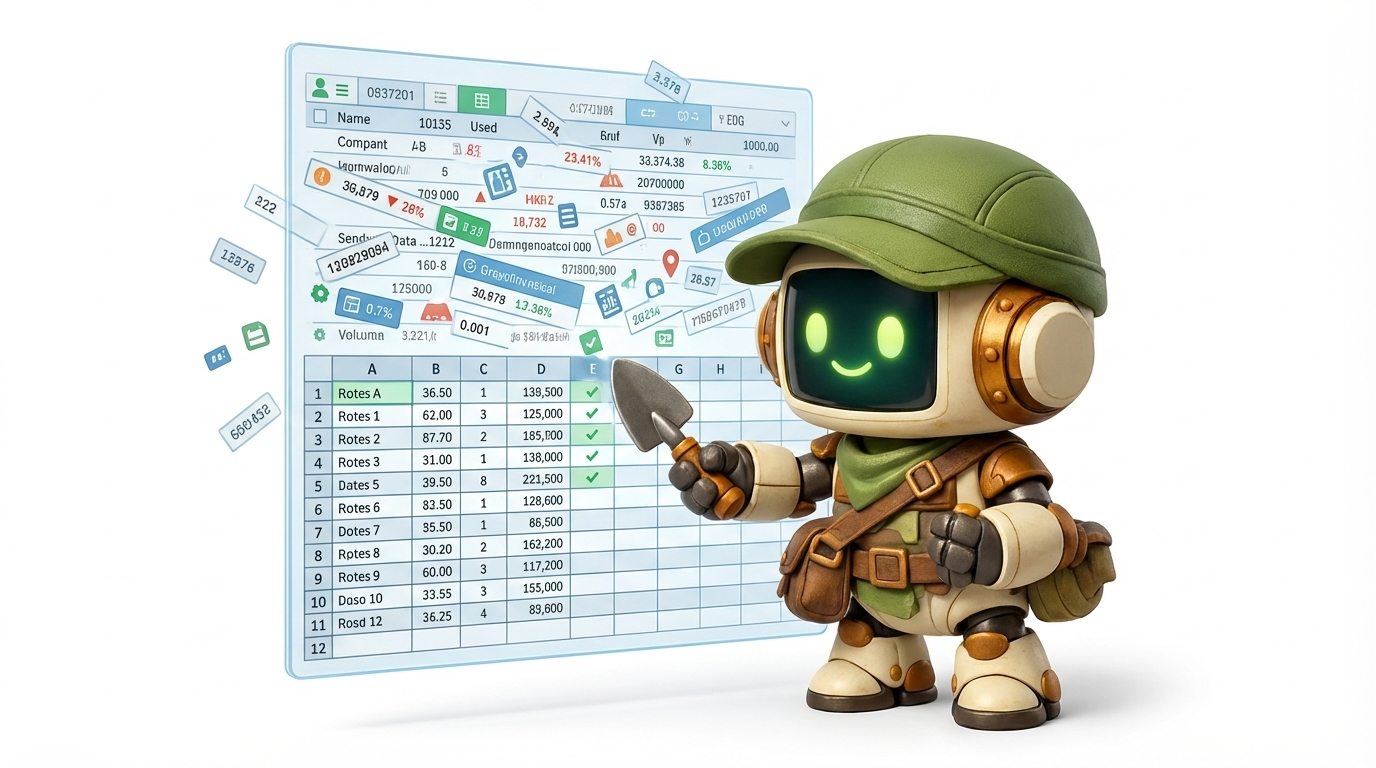
You just exported customer lists from three different sources: your CRM, your email platform, and a trade show spreadsheet someone emailed you six months ago. You merge them into one CSV. Three thousand rows. And immediately you see the problem.
847 duplicates. "John Smith" and "john smith" and "J. Smith," all the same person. Phone numbers in five different formats. Half the email addresses are missing. Some rows have "New York" and others have "NY" and one just says "new york city." A few cells have notes jammed in where zip codes should be.
You know how to clean messy data with AI is supposedly a thing now, but you've been burned before. You've tried ChatGPT. It gave you a Python script. You ran it, hit three errors, debugged for an hour, and ended up cleaning the rest by hand anyway.
There's a better way. One that doesn't require you to write, run, or debug a single line of code, and finishes in 12 minutes for $0.89.
The Spreadsheet Problem Everyone Recognizes
If you work with data, even a little, you've felt this pain.
Maybe it's a customer list that's been touched by 15 different people over three years. Maybe it's a contact export from an event where attendees filled out forms in creative ways. Maybe it's a product inventory that was manually maintained in a Google Sheet until it became ungovernable.
The symptoms are always the same:
- Duplicates everywhere. Same person, three rows, slightly different spellings.
- Inconsistent formats. Dates in four formats. Phone numbers with dashes, dots, parentheses, or none.
- Missing fields. Half the rows are missing emails. A quarter are missing phone numbers. Some are missing both.
- Merged-source chaos. Data from different systems with different column names, different conventions, different levels of completeness.
- Mystery values. A cell that says "see notes" where a state abbreviation should be. A zip code field with "TBD" in it.
This isn't a technical problem. It's a time problem. You know what clean data looks like. Getting there is what takes forever.
Why Manual Cleanup Doesn't Scale
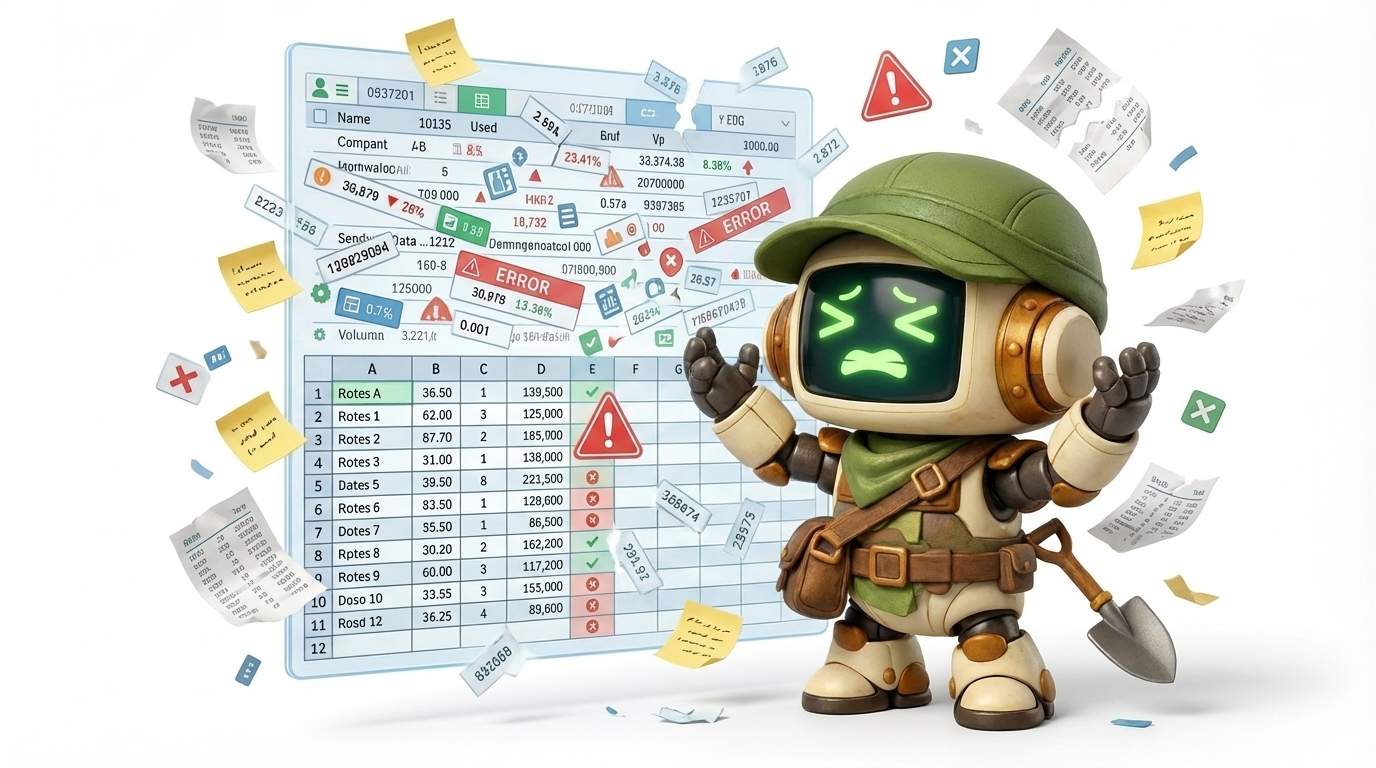
You've tried fixing this by hand. Everyone has. Here's what that actually looks like for a 3,000-row CSV.
Step 1: Find the duplicates. You sort by last name. You scroll. You add a VLOOKUP column. You spot some obvious matches, but "Jon Smith" and "John Smith" don't match on exact lookup. You try conditional formatting. You highlight 200 rows that might be duplicates and start comparing them one by one.
Step 2: Standardize the formats. You write a formula to strip dashes from phone numbers. Then you realize some numbers have country codes and some don't. You write another formula. The dates are worse: "3/7/2025" and "2025-03-07" and "March 7, 2025" all need to become one format. More formulas. More exceptions.
Step 3: Fill in the gaps. You scan for blank email fields. Some you can find by cross-referencing with another source. Most you can't. You flag them. You move on.
Step 4: Merge and reconcile. Two rows for the same person with different addresses. Which one is current? You check the timestamps, except one source doesn't have timestamps. You guess.
Two hours later, you've processed maybe half the list. Your eyes are glazing over. You've definitely missed things. Row 2,347 has a typo you'll discover next month when an email bounces.
This is the reality of manual data cleaning. It's tedious, error-prone, and doesn't scale. A 3,000-row list takes 2+ hours. A 30,000-row list takes a week. And the next time someone exports a fresh batch, you start over.
Why ChatGPT Alone Doesn't Solve This
Here's the approach most people try first: paste the data into ChatGPT and ask it to clean things up.
It doesn't work. At least not the way you'd hope.
ChatGPT is great at explaining how to clean data. It can tell you which Python library to use for fuzzy matching. It can write a pandas script that handles date normalization. It can suggest a deduplication strategy.
But then you have to:
- Copy the script into your environment
- Install the dependencies
- Run it on your actual data
- Debug the errors (there are always errors)
- Handle the edge cases the script didn't anticipate
- Rerun it
- Manually review the output
- Iterate
ChatGPT is a consultant. It gives you advice. You do the work.
For a developer who writes Python daily, this might save some time. For everyone else, the operations manager, the small business owner, the freelancer who just needs a clean list, it's barely better than doing it by hand. You've traded spreadsheet tedium for debugging tedium.
What you actually want is something that touches the data for you. Something that takes the messy CSV, applies the cleanup, and hands you back a clean one. A way to clean CSV data with AI that doesn't require you to become a developer first.
How SAM Actually Cleans Your Data
SAM works differently from a chatbot. Instead of telling you how to clean your data, it cleans your data.
Here's the workflow:
1. Describe the problem. You upload your CSV and describe what's wrong and what "clean" looks like. Plain English. No formulas, no code, no technical specification.
2. Review the plan. SAM breaks the task into steps: find duplicates using fuzzy matching, normalize phone numbers to E.164 format, standardize state abbreviations, flag rows with missing emails. You see the plan, the estimated cost, and the expected output before anything runs.
3. Approve. If the plan looks right, you approve it. If you want changes, maybe you want a stricter duplicate threshold, or you want to keep both rows when there's a conflict instead of merging, you adjust the plan first.
4. Execution. SAM runs the cleanup autonomously. It writes and executes the scripts, handles the edge cases, and produces the output. You don't see the code. You don't debug anything. You wait.
5. Results. You get back clean artifacts: a deduplicated CSV, a report showing what was changed, and a log of anything flagged for your review.
The difference is night and day. ChatGPT helps you do the work. SAM does the work. You provide the judgment: what "clean" means, which duplicates to keep, how to handle ambiguity. SAM provides the labor.
Real Proof: What This Looks Like in Practice
Theory is cheap. Here's what actually happened.
SAM Session: Deduplicate and Clean a 3,000-Row Customer List
Task: Deduplicate and clean 3,000-row customer list Duration: 12 minutes Cost: $0.89 Artifacts delivered:
- Cleaned CSV (deduplicated, normalized, standardized)
- Duplicate report (showing which rows were merged and why)
Manual time equivalent: 2 hours
Twelve minutes. Eighty-nine cents. A cleaned CSV ready to import back into the CRM, plus a report showing exactly what changed so you can audit the results.
That's not a marginal improvement. That's a 10x time reduction at a cost that rounds to zero.
The duplicate report is the part people don't expect. It doesn't just remove duplicates; it shows you which rows were identified as matches and what criteria were used. "John Smith" and "Jon Smith" at the same address? Merged, with the reasoning documented. You can override any decision you disagree with.
Cross-Reference: SAM Handles Structured Output Across Categories
Data cleaning isn't the only task where SAM produces structured, ready-to-use artifacts. The same pattern works across different use cases:
Compare top 20 standing desks under $600. 7 minutes, $0.52. Delivered a comparison spreadsheet with 20 products across multiple attributes, plus a top 5 summary with pros and cons. Manual time: 3 hours.
Draft 3 sales email templates for SaaS outreach. 4 minutes, $0.31. Delivered three complete email templates with subject lines and follow-up sequences. Manual time: 45 minutes.
The pattern is consistent: describe the task, review the plan, get structured output back. Whether it's cleaning data, comparing products, or writing content, SAM produces artifacts you can use immediately, not advice about how to produce them yourself.
Step-by-Step: How to Clean Messy Data with AI
Here's the exact workflow. Follow these seven steps and you'll get clean data back in minutes, not hours.
Step 1: Define What "Clean" Means for Your Data
This is the step most people skip, and it's the most important one.
Before you touch any tool, spend two minutes answering these questions:
- What are the duplicates? Same email? Same name + address? Same phone number?
- What format should phone numbers be in? International with country code? Digits only?
- What format should dates be in? ISO 8601? MM/DD/YYYY?
- What do you want to happen with missing fields? Flag them? Drop the row? Fill from another source?
- What should happen when two duplicate rows have conflicting information?
"Clean" means something different for every dataset. Getting specific about it upfront is the single biggest lever on output quality.
Step 2: Describe the Mess
Tell SAM what's wrong with your data. Be specific about the problems you've seen.
Don't say: "This data is messy." That's like telling a mechanic "the car is broken."
Do say: "This is a 3,000-row customer list merged from three sources. There are duplicate entries with slightly different name spellings. Phone numbers are in at least four formats. About 30% of rows are missing email addresses. State names are a mix of full names and abbreviations."
The more specific your description, the better the plan SAM generates. You don't need to catalog every problem, just describe the patterns you've noticed.
Step 3: Write a Specific Prompt
This is where the quality of your output is determined. Vague prompts produce vague results.
Bad prompt:
"Clean this customer list."
Good prompt:
"Deduplicate this 3,000-row customer list. Use fuzzy matching on name + address to identify duplicates (threshold: 85% similarity). When duplicates are found, keep the row with the most complete data. Normalize all phone numbers to (XXX) XXX-XXXX format. Convert all state fields to two-letter abbreviations. Flag any rows missing both email and phone number. Output: cleaned CSV and a separate report showing all duplicate merges with the match score."
The good prompt tells SAM:
- What operation to perform (deduplicate)
- What matching criteria to use (name + address, 85% threshold)
- How to handle conflicts (keep the most complete row)
- What format standards to apply (phone format, state abbreviations)
- What to do with incomplete data (flag rows missing both contact methods)
- What artifacts to produce (cleaned CSV + duplicate report)
This takes 60 seconds to write. It saves you hours of back-and-forth.
Step 4: Review SAM's Plan Before It Runs
SAM shows you the execution plan before you pay anything. This is your chance to catch misunderstandings.
Check for:
- Does the deduplication strategy match your intent?
- Are the normalization rules correct for your use case?
- Is the cost estimate reasonable? (For a 3,000-row cleanup, expect under $1.)
- Are the output artifacts what you need?
If something's off, adjust the plan. Maybe you want a stricter matching threshold. Maybe you want to preserve both rows instead of merging. Change it now, before execution starts.
Step 5: Spot-Check the Output
When SAM finishes, don't blindly import the result. Spend five minutes spot-checking.
Pick 10-20 rows at random from the cleaned CSV. Compare them against the original. Check a few of the merged duplicates in the duplicate report.
You're looking for:
- False positives (two different people merged into one)
- False negatives (obvious duplicates that were missed)
- Format errors (phone numbers that didn't normalize correctly)
- Data loss (fields that disappeared during the merge)
In practice, this takes about five minutes. You're not redoing the work; you're validating it. The same way you'd review a report from a junior analyst before sending it to a client.
Step 6: Handle Edge Cases
Every dataset has rows that don't fit neatly into rules. SAM flags ambiguous cases: rows where the duplicate match score is borderline, or where conflicting data can't be automatically resolved.
Review these manually. There might be 10-20 of them in a 3,000-row list. That's 10 minutes of manual review instead of 2 hours of manual everything.
Common edge cases:
- Two "John Smith" entries at different addresses (same person who moved, or different people?)
- Phone numbers that are clearly wrong but follow valid formatting
- Rows where multiple fields are missing (delete or keep?)
This is the judgment part. SAM handles the labor. You handle the decisions.
Step 7: Set Up Recurring Cleanups
Data gets messy again. New records come in. People enter information inconsistently. Sources get merged again.
When cleanup costs $0.89 and takes 12 minutes, you can afford to do it regularly:
- Weekly: Quick dedup pass on new records added that week
- Monthly: Full normalization and cleanup of the entire list
- On merge: Run cleanup whenever you import data from a new source
At $0.89 per run, monthly cleanup costs about $11 per year. You can remove duplicates with AI on a schedule that would be insane to maintain manually. Compare that to the cost of making decisions based on dirty data: sending emails to duplicate addresses, miscounting your actual customer base, or losing deals because your CRM shows the wrong phone number.
The Cost Math: Manual vs. AI Data Cleaning

Let's put real numbers on this.
Manual cleanup:
- Time: 2+ hours per cleanup
- Frequency: Once a quarter, because nobody wants to do it more often
- Annual time cost: 8+ hours
- Hourly rate (your time, or a VA's time): $50-75/hour
- Annual dollar cost: $400-600
- Error rate: High. Human eyes miss things after row 200
- Actual frequency you'll do it: Twice a year, if that
AI data cleaning with SAM:
- Time: 12 minutes per cleanup (plus 5 minutes spot-checking)
- Frequency: Monthly, because it's painless
- Annual time cost: ~3.5 hours
- Cost per run: $0.89
- Annual dollar cost: ~$11
- Error rate: Low, with documented reasoning for every change
- Actual frequency you'll do it: Monthly, because why wouldn't you
The math isn't close. Even if you value your time at just $50/hour, manual cleanup costs ~$400/year for quarterly runs. SAM costs $11/year for monthly runs, 12x more frequent at 3% of the cost.
But the real cost of dirty data isn't the cleanup time. It's the bad decisions you make between cleanups. The marketing campaign sent to duplicate addresses. The sales rep who calls a prospect and gets the wrong phone number. The quarterly report that overstates your customer count by 30%.
Clean data isn't just cheaper to maintain with AI. It's cheaper not to ignore.
Common Data Problems SAM Handles
Data cleaning isn't one problem. It's a family of problems. Here are six categories SAM handles, with concrete examples.
Deduplication (Fuzzy Matching)
The most common data problem. Same entity, multiple rows, slightly different entries.
- "John Smith" / "Jon Smith" / "J. Smith" at the same address
- "Acme Corp" / "Acme Corporation" / "ACME Corp."
- Same email address with different name spellings
SAM uses fuzzy matching, not exact string comparison, so it catches the duplicates that VLOOKUP and =EXACT() miss. You set the similarity threshold. It shows you the match scores. If you've ever tried to deduplicate customer lists with AI chatbots and gotten nothing but a script to run yourself, this is the difference: SAM runs the script for you and delivers the result.
Format Normalization
Different sources, different conventions. SAM standardizes them.
- Dates: "3/7/2025" → "2025-03-07" (or whatever format you specify)
- Phone numbers: "(555) 123-4567" / "5551234567" / "+1-555-123-4567" → one consistent format
- Addresses: "123 Main St." / "123 Main Street" / "123 main st" → standardized
- State names: "California" / "CA" / "calif." → "CA"
Missing Field Detection
SAM identifies and flags incomplete records.
- Rows missing email addresses
- Rows missing phone numbers
- Rows missing both (these are usually the ones to remove or investigate)
- Partially filled rows that have enough data to keep but need follow-up
Merging Multiple Sources
When you combine data from different systems, column names don't match, formats diverge, and duplicates multiply.
SAM handles the mapping ("First Name" in source A = "fname" in source B = "given_name" in source C), deduplicates across sources, and produces one unified list.
Categorization and Tagging
Unstructured fields that need structure.
- Free-text "industry" fields → standardized industry categories
- Job titles with 200 variations → 15 normalized role categories
- Product descriptions → tagged by category, size, material
Extracting Structure from Unstructured Text
The hardest category. Fields that contain free-text notes, mixed data, or information jammed into the wrong column.
- A "notes" field that contains an email address buried in a sentence
- An "address" field that also contains a phone number
- A "company" field that says "John Smith, Acme Corp, john@acme.com"
SAM can parse these, extract the structured data, and place it in the correct columns. This is the category where manual cleanup is most painful and most error-prone.
Common Mistakes to Avoid When Cleaning Data with AI
Even with a good tool, there are ways to get subpar results. Here's what to watch out for.
Mistake 1: Writing Vague Prompts
The problem: "Clean this data" produces generic results because the AI doesn't know what "clean" means for your specific dataset.
The fix: Be specific about what's wrong, what format you want, and how to handle conflicts. Spend 60 seconds on the prompt. It saves you 60 minutes on the output.
Mistake 2: Not Defining "Clean" Upfront
The problem: You skip Step 1 and go straight to the prompt. The AI makes assumptions about date formats, duplicate thresholds, and merge rules that don't match your needs. You get output that's technically cleaned but wrong for your use case.
The fix: Answer the five questions in Step 1 before you write anything. Defining "clean" upfront is faster than redoing the cleanup.
Mistake 3: Skipping Plan Review
The problem: You approve the plan without reading it. SAM deduplicates on email-only when you needed name + address matching. The output has false merges you didn't catch until it was too late.
The fix: Spend 30 seconds reading the plan. Check the matching criteria, the normalization rules, and the output format. This is your last chance to correct course before execution.
Mistake 4: Trying to Do Everything in One Pass
The problem: You write a mega-prompt that asks SAM to deduplicate, normalize, fill missing data, merge sources, categorize, and extract structured data, all in one run. The plan gets complex. The output is harder to verify.
The fix: Break it into stages. First: deduplicate and normalize. Second: merge and reconcile. Third: categorize and tag. Each pass is easier to verify and cheaper to rerun if something's off.
Mistake 5: Not Keeping Backups
The problem: You clean the data and import it back into your CRM without keeping the original. A week later, you realize the merge combined two different people. You can't undo it.
The fix: Always keep the original file. SAM delivers a new cleaned file; it doesn't modify your source. But make sure you archive the original before overwriting anything in your production system.
Who This Is For
You don't need to be a data engineer to benefit from AI data cleaning. This workflow is built for people who work with data but don't want to write code to fix it.
Small business owners with a CRM that's been accumulating messy data for years. You know the list needs cleaning. You've been putting it off because it's a full-day project. Now it's a 12-minute task.
Freelancers and consultants managing client lists, prospect databases, or project trackers across multiple tools. Every new client means another data source to merge and clean.
Operations teams responsible for data integrity across systems. You're the person who gets the call when the quarterly report numbers don't add up because the customer list has 800 duplicates.
Marketing teams about to run a campaign. Nothing kills email deliverability like sending to duplicate addresses or bouncing on bad emails. Clean data before you send, not after the damage report.
Anyone who dreads spreadsheet spring cleaning. If you've ever looked at a CSV and felt a wave of dread, this is for you.
Clean Data in 12 Minutes for Under a Dollar
Manual data cleaning is slow, error-prone, and numbing. It takes 2+ hours for a 3,000-row list, and you'll miss things, because human eyes weren't built to scan thousands of rows for subtle inconsistencies.
Learning how to clean messy data with AI changes the math completely. Twelve minutes. $0.89. A cleaned CSV with a documented audit trail showing every change.
The workflow is simple:
- Define what "clean" means
- Describe what's wrong
- Write a specific prompt
- Review the plan before it runs
- Spot-check the output
- Handle the edge cases
- Repeat on a regular cadence
Your data is already messy. The question is whether you spend two hours fixing it by hand or twelve minutes letting SAM do it, and whether you fix it once a year or once a month.
At $0.89 a run, the answer is obvious.
Try SAM free, no credit card required. Describe a task at sam.build and see the plan before you pay.